|
 Easy
Uninstaller assists you in installing applications on your
computer more efficiently. The application has a friendly user
interface, which will make it easy to analyze and keep track of
installed applications. From Easy Uninstaller you can not only
uninstall applications, but also get more information about the
installed applications in an organized way. Easy
Uninstaller assists you in installing applications on your
computer more efficiently. The application has a friendly user
interface, which will make it easy to analyze and keep track of
installed applications. From Easy Uninstaller you can not only
uninstall applications, but also get more information about the
installed applications in an organized way.
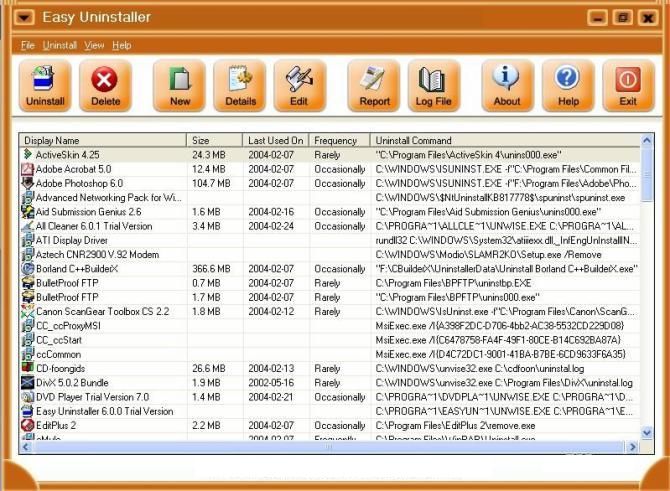
Instead of the Windows Add/Remove utility, which shows information
about an installed application one at a time, Easy Uninstaller
shows all the data in a list view. It has different modes to view
the list of installed applications. The program can save the
Registry keys of the list of installed applications and restore
them. From Easy Uninstaller you can create new entries and edit
the existing ones. It features a very easy-to-use graphical
interface. Easy Uninstaller also generates a comprehensive report
of installed applications, which you can save or print. Version
6.1 may include unspecified updates, enhancements, or bug fixes.
|