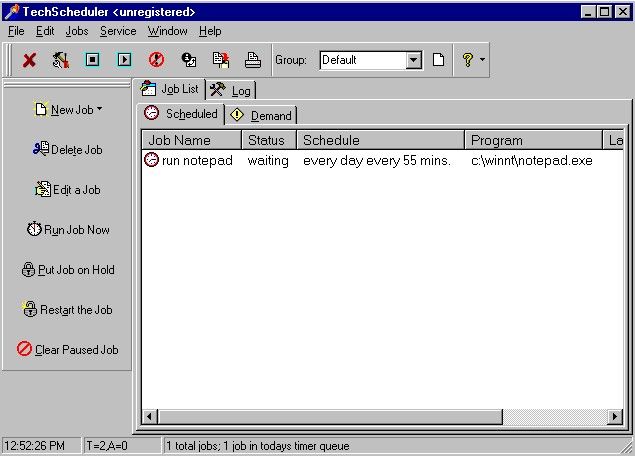
|
TechScheduler lets
you schedule programs or system options to run at specified times.
You can use it to schedule programs or batch files, system
activities (such as shutting down or restarting), network logouts,
file activities, keystrokes, screen captures and more. You can
also use it to program online activities, including network
maintenance and FTP downloads; copying, moving, or deleting
specified files; and notification via e-mail. You can configure
pre- or post-run options, add command-line parameters, and set job
priority. Other features include logging, zip/unzip support,
sticky notes, and password protection. Excellent documentation is
included. XP, Server and Vista. |
|
Key features
of TechScheduler (standard):
-
Reboots
-
WatchDog activities (monitor system)
-
Shutdowns
-
Network logouts
-
File
copy, delete, create & rename
-
Automatic Emails to multiple recipients with file attachments
-
Process Termination
-
Network Resource Connection and Disconnect
-
Network Resource PING
-
Keystroke Emulation jobs
-
"Glue-it" reminder note jobs
-
RAS
Dial-up networking jobs
-
Windows NT specific jobs (REXEC, SU and Windows Services commands)
-
Automatic backuprestore using integrated industry standard zip files..
-
Support for execution of VB Script and Java Script files.
-
Automatic Web Browsing with our own small (400k) web browser.
TechScheduler (standard)
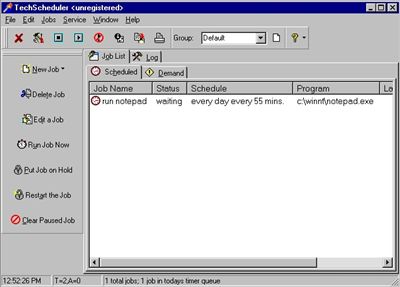
Screenshot:
 |