|
|
|
Main > Utilities >
System utilities
>
System Restore Control |
|
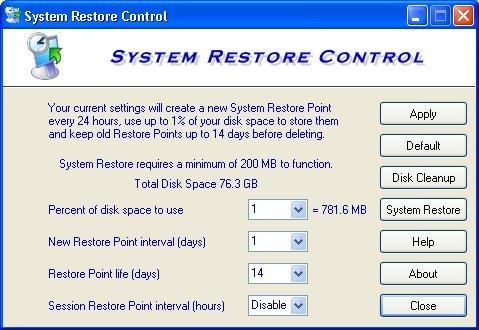
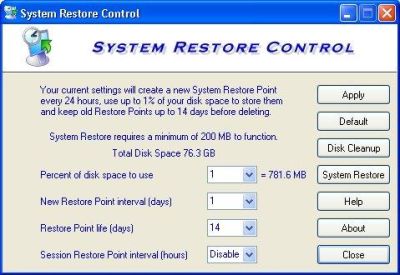
Windows XP System Restore uses up to 12% of your disk space, creates a Restore Point every 24 hours and keeps old points for 90 days before deleting. Microsoft doesn't provide any adjustments except for the slider where you may move it below 12% but any time System Restore is stopped/ started/ suspended or a check point is restored it automatically moves the slider back to its default of 12%. This uses up an enormous amount of space unnecessarily that could be put to better use. After all we only need the last good Restore Point, not one that's 3 months old. System Restore Control gives you complete control over how it behaves with adjustments for; 1. Set the maximum slider value to as low as 1% 2. Change frequency of automatic Restore Points to as much as 7 days or as little as one hour 3. Change time to keep old Restore Points before deleting to as little as 7 days. Using the settings that are right for you will save Gigabytes of space. |
|
Buy Now |
|
Key features
of System Restore Control:
-
System Restore Control gives you
complete control over how it behaves with adjustments.
-
Set the maximum slider value to as
low as 1%.
-
Change frequency of automatic
Restore Points to as much as 7 days or as little as one hour.
-
Change time to keep old Restore
Points before deleting to as little as 7 days.
System Restore Control screenshot:
 |
|
|
Product
Information
|
-
Version:
1.0
-
Price:
$19.95
-
Size:
1.54MB
-
License:
Shareware
-
Developer:
Camtech 2000
-
OS:
Win XP, 2003
-
Rating:

|
|
|
|