|
|
|
Main > Utilities >
System utilities
>
Service - O - Matic |
|
Service - O - Matic enables you to run almost any windows application as a windows service. Running a program as a service has several benefits. You will be able to utilize automatic start at boot-time to ensure maximum uptime of your system-critical applications (even if no user logs on), run your programs in the background without user intervention, automatic restart when a program fails and more! No need to adjust your application, Service - O - Matic will easily run your program as a service. Installing your application as a service is easy with our intuitive GUI interface. Service - O - Matic has most service features and works with the least amount of CPU power possible. |
|
Buy Now |
|
Key features
of Service - O - Matic:
-
Create, Remove, Start and Stop
services with ease
-
Schedule when to run, and when to
stop your service
-
Auto restart applications when they
stop working
-
Run your application even when no
user is logged on
-
Write your own batch or script and
run it as a service
-
Start and stop other programs with
your service
-
View all services on your system and
interact with them
-
For server and home PC
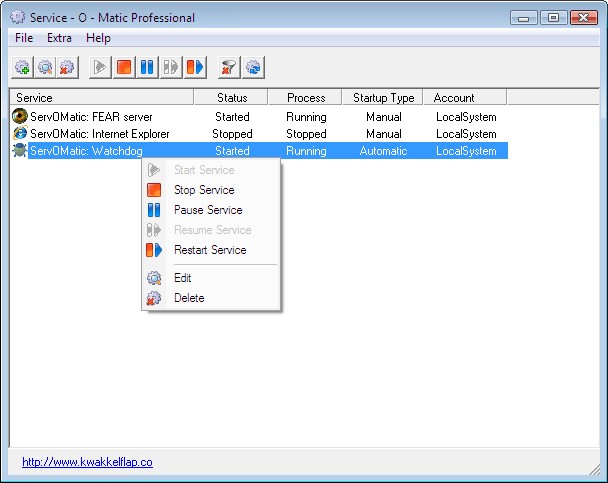
Service - O - Matic screenshot:
 |
|
|