|
|
|
Main >
Utilities
>
System Utilities
> Ultimate Startup Manager for Windows |
|
The main purpose of this program is to easy manage all programs
started automatically by Windows, but there are a lot more
features which will make your work with Windows more comfort,
faster and safer.
Ultimate Startup Manager acts completely different way than
most of other startup tools - you create profiles which contain
any set of programs you want to run. When Windows starts you can
select which profile you want to run, and that's it ! No need to
restart system, no need to change anything. You can also associate
some system settings such as wallpaper or resolution with each
profile.
|
|
Buy Now |
|
Key features
of Ultimate Startup Manager for Windows:
-
The great feature of
USM is the ability to run programs on a clean system - even without
shell. This is called "Turbo mode" and it provides the best
performance and stability possible on your system. During startup you
can select programs to start in this mode and even create profiles to
automatically enter this mode.
-
On of the additional
features is the unique Kids Protection System. It can restrict access
to your computer by only allowing to run selected set of applications,
movies, music etc. when wrong password is supplied.
-
There is also reminder
to help you remember important information.
-
Create events which
will pop up during system startup every day, every week or on desired
date.
-
You will get much from
using USM even on fast computers with lot of memory.
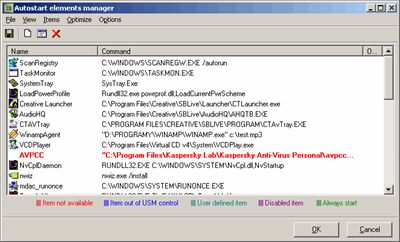
Ultimate Startup Manager for
Windows
Screenshot:
 |
|
|